

Add a VNC host
1
Open the host editor
Click New host on the hosts dashboard, or Edit on an existing host.
2
Switch to VNC
Select VNC in the SSH / RDP / VNC switch at the top. The port changes to
5900. A custom port is kept.3
Fill in the connection
Enter the hostname or IP and the Password. The password is the VNC server password. A username is accepted, but most VNC servers ignore it.
4
Choose clipboard and tunnel
Set Accept remote clipboard and, if you want, SSH TUNNEL, then click Save.
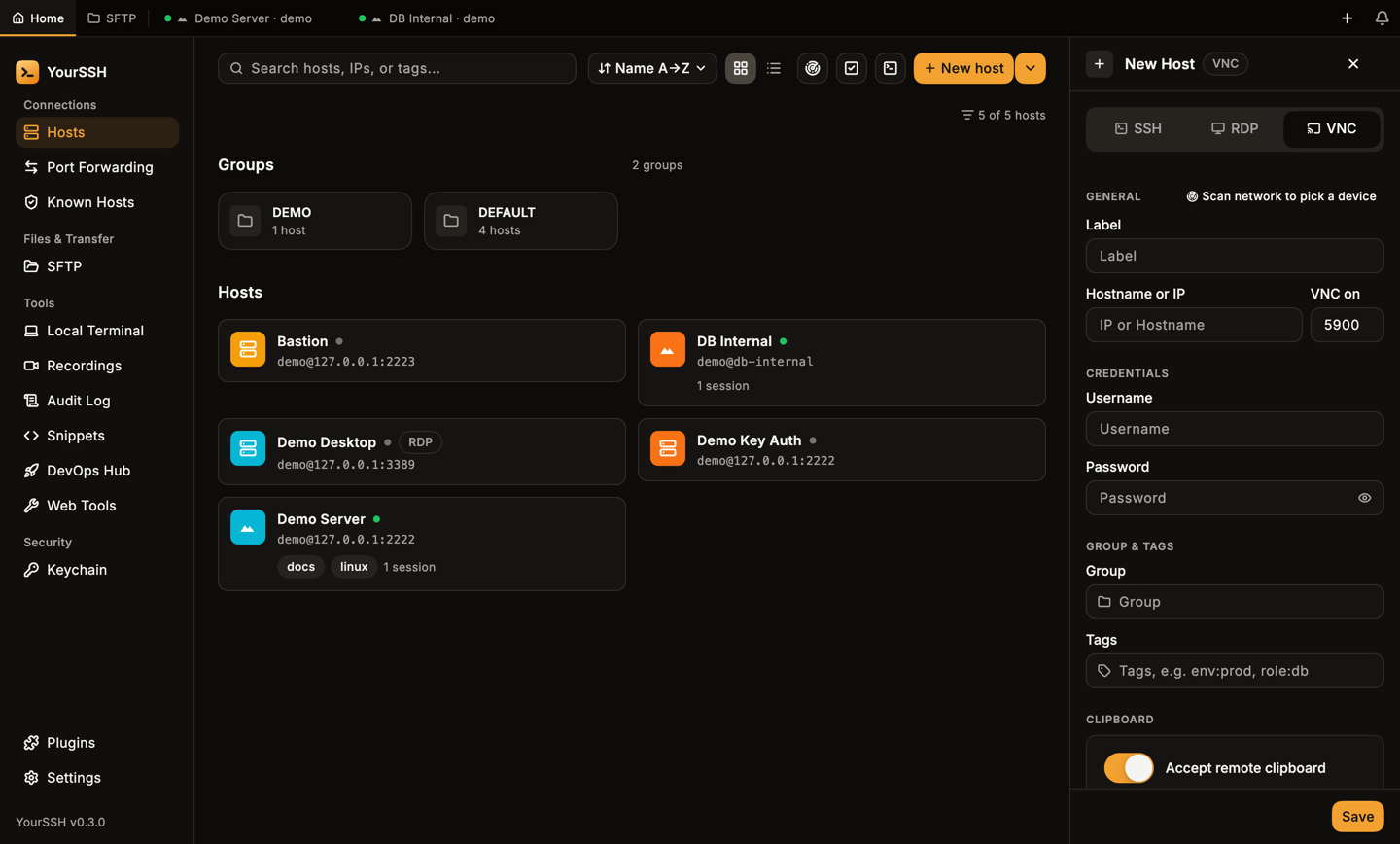
The host editor in VNC mode: port 5900, password and the clipboard switch.
Connect
Click the host card to connect.Use the session
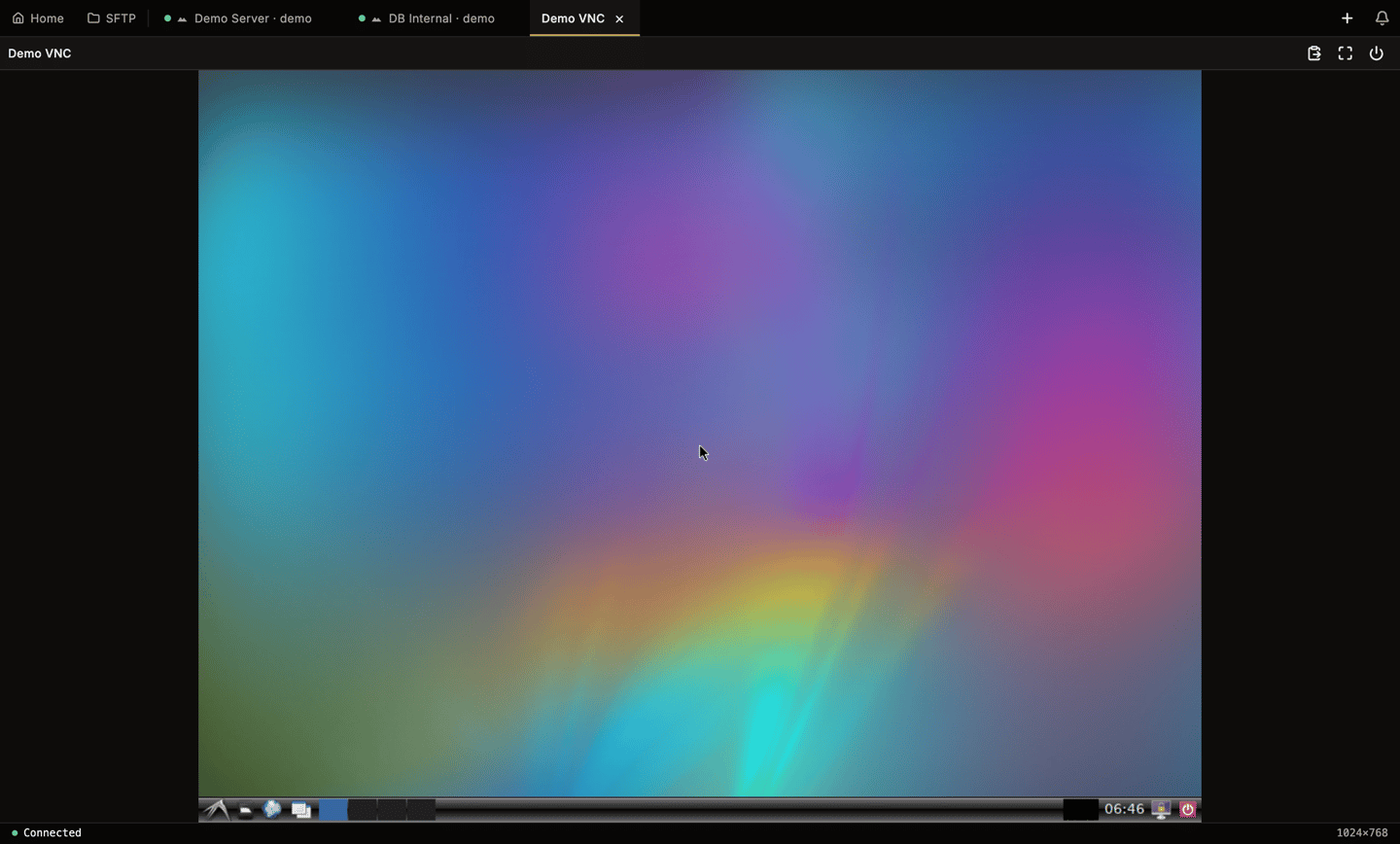
A connected VNC session. The toolbar has push clipboard, fullscreen and disconnect.
- Keyboard and mouse. Keys, clicks and scrolling go to the remote desktop. App shortcuts are not typed into it.
- Clipboard. Text copied on the remote desktop lands in your local clipboard, if Accept remote clipboard is on. YourSSH also sends your local clipboard when the VNC view gains focus, but only if the text changed since the last push.
- Size. The desktop uses the server’s screen size and follows the server if it resizes.
Fullscreen
Click Fullscreen. Move the mouse to the top edge to show a pill with Push clipboard to remote and Exit fullscreen. YourSSH leaves fullscreen on its own if the session disconnects or you switch tabs.Disconnects and Retry
If the server closes the connection or it drops, the tab shows a message and a Retry button. Unexpected drops also appear in the notification bell, and connects and disconnects are written to the audit log. Rename, color tag and pin work on VNC tabs like on SSH tabs.Not supported
- TLS or VeNCrypt, macOS Screen Sharing, RealVNC and UltraVNC logins. YourSSH supports servers with no authentication or a VNC password.
- Audio and file transfer.
- Recording, split view, the input bar and snippets. These are SSH-only and hidden on VNC tabs.
Related pages
RDP remote desktop
Connect to Windows and xrdp.
Hosts
Add, group and tag hosts.