

<version> below with the version number, for example 0.4.0.
- macOS
- Windows
- Linux
- Android
With Homebrew:The cask installs the same signed, notarized DMG and follows new releases.
brew upgrade --cask yourssh updates it, and brew uninstall --cask --zap yourssh also removes settings and data.Or download it yourself:- Download
YourSSH-<version>-macOS-universal.dmg. One build runs on Apple Silicon and Intel Macs. - Open the
.dmgand drag YourSSH to/Applications. - Open YourSSH from Launchpad or Spotlight.
84T567KMYD) and notarized by Apple, so Gatekeeper opens them without extra steps. To check a download yourself, run spctl -a -t open --context context:primary-signature -vv YourSSH-<version>-macOS-universal.dmg and look for source=Notarized Developer ID. If macOS still blocks a build (for example one you compiled or downloaded from a fork), right-click the app, choose Open, then confirm.A YourSSH-<version>-macOS-universal.zip is also published if you prefer an archive.First launch
YourSSH opens on the Hosts dashboard with a No hosts yet message. Continue with the quickstart to add your first host.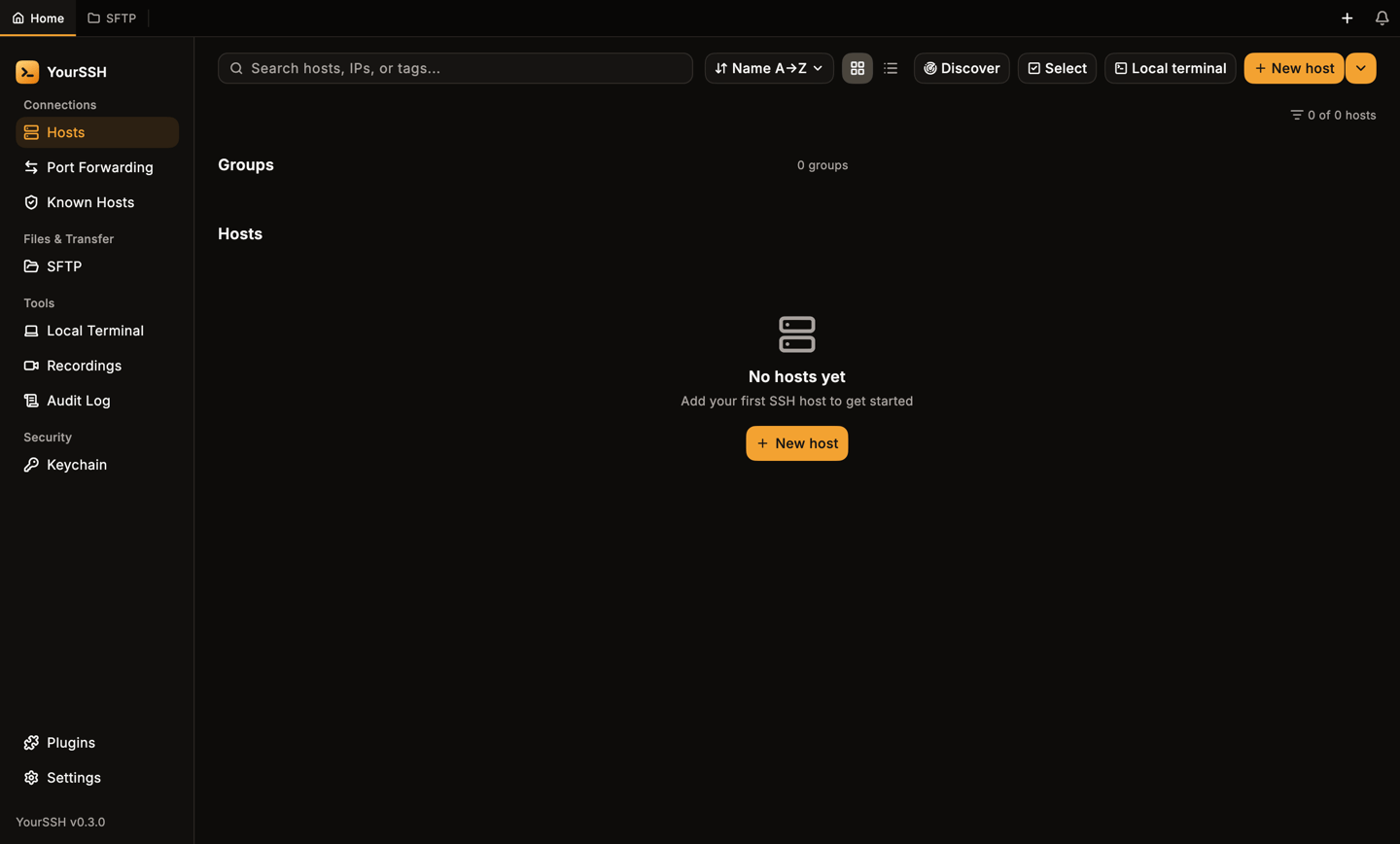
First launch: an empty hosts dashboard.
macOS privacy prompts
YourSSH is not sandboxed, so macOS asks for access to protected folders the first time the app touches them, for example when you pick a file from Desktop, Documents or Downloads for an upload or an SSH key. Choose Allow. If you clicked Don’t Allow, the app shows a hint instead of failing silently. Open System Settings, then Privacy & Security, then Files and Folders, and switch the folder on for YourSSH.Updates
YourSSH checks the latest stable release on GitHub at launch, then every six hours while it runs and when you return to the window. Automatic checks are skipped if the last one was less than 24 hours ago. When a newer version exists you see a New version available banner with Details and Update buttons, plus a notification in the bell. To check right away, open Settings, go to Updates and click Check for updates. The in-app updater downloads the installer for your platform and opens it. On Windows it prefers the Setup installer over the portable build. On macOS it first verifies that the downloaded.dmg carries the YourSSH Developer ID signature. A file that is unsigned or signed by someone else is refused, and you are sent to the release page instead.
To update manually, install the new build over the old one. Your hosts and settings are kept.