

.cast) files. Use them for runbooks, demos or a record of what happened on a host.
Start and stop a recording
Open an SSH or local terminal session and click REC at the top right of the terminal. While a session records, the button turns red and its tooltip reads Stop recording (it reads Start recording when idle). The status bar at the bottom shows a redREC timer.
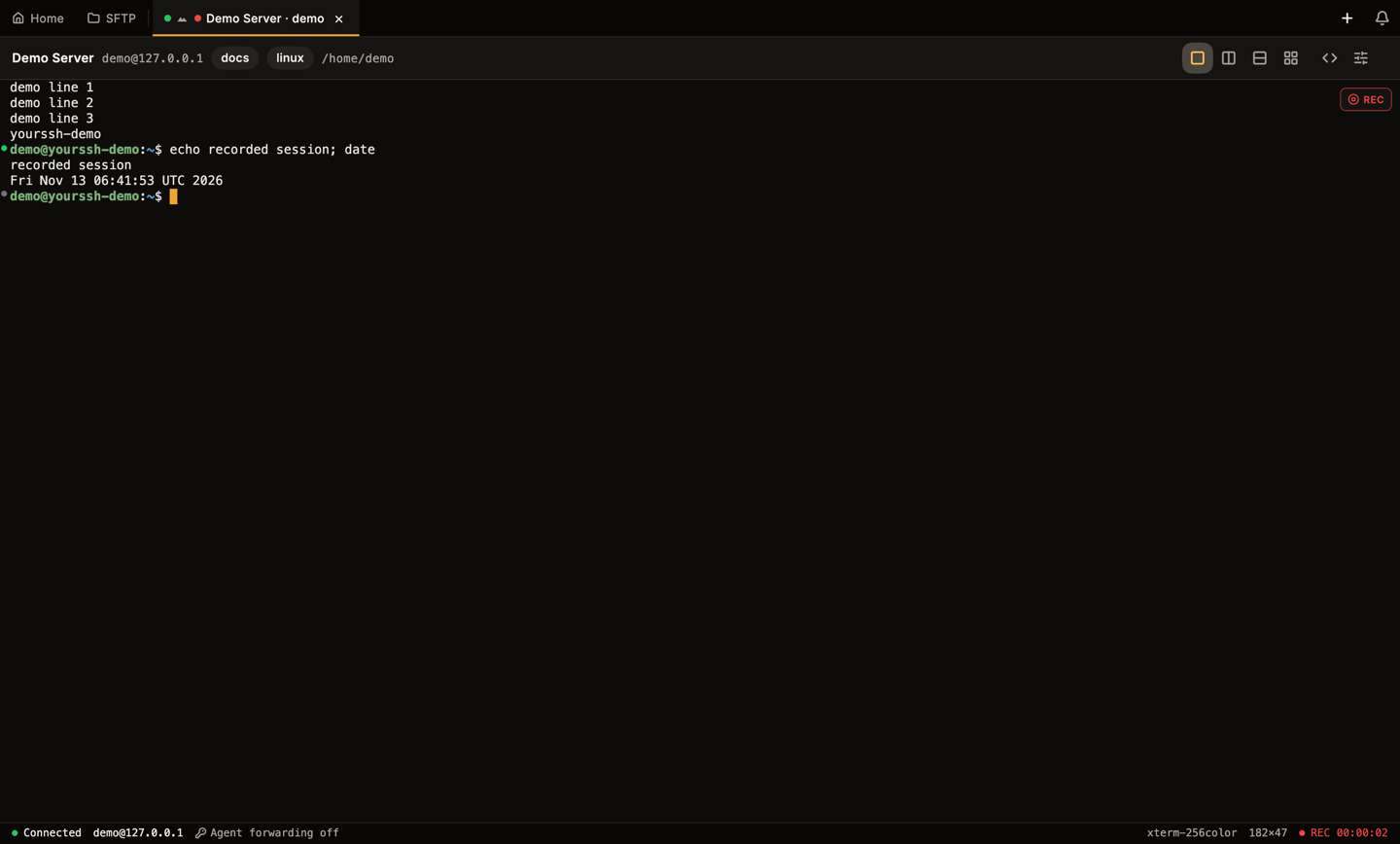
A recording in progress: the REC button at the top right and the REC timer in the status bar.
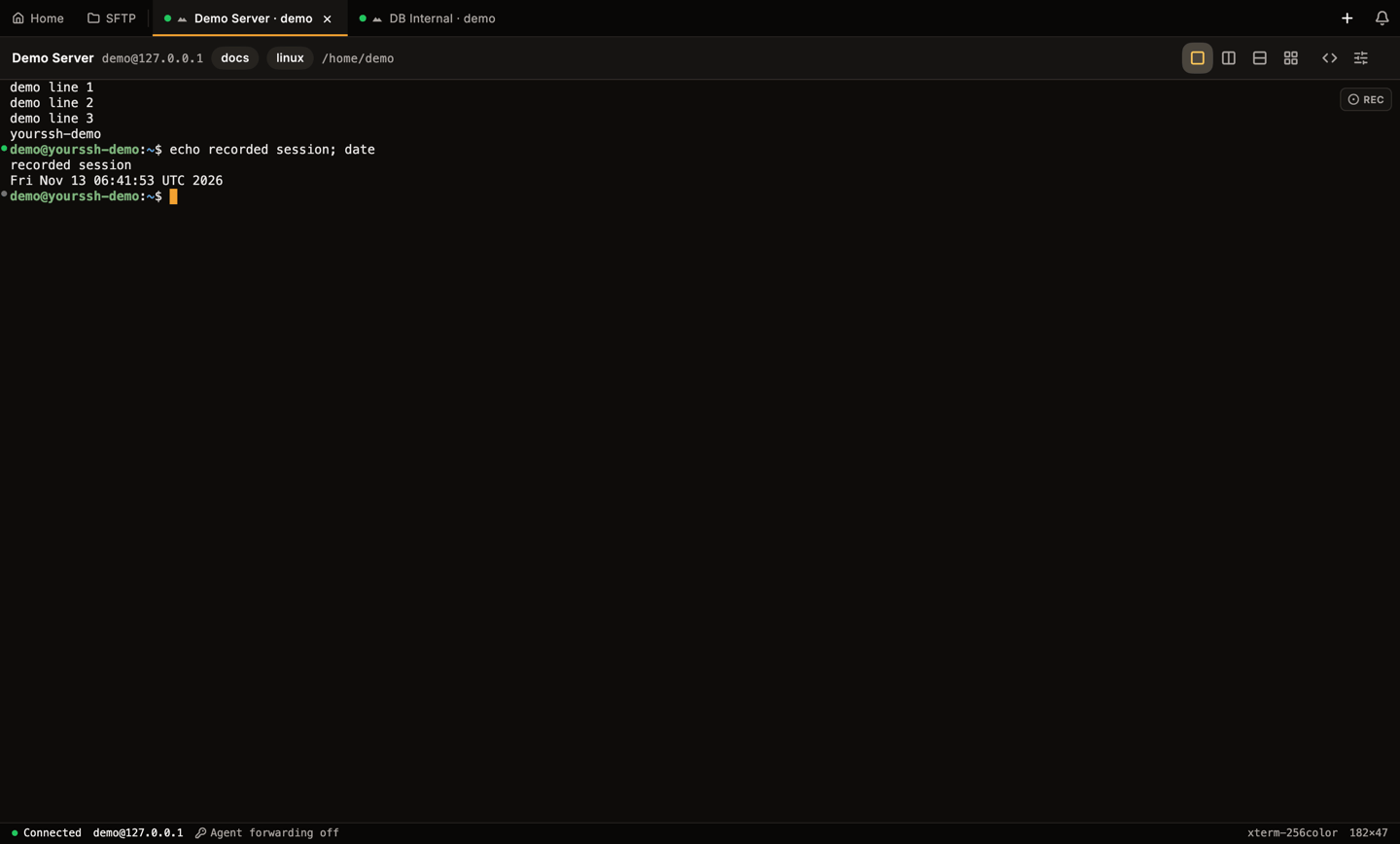
After stopping, the button returns to its idle state.
Record every session of a host
To record a host every time you connect, turn on Auto-record sessions in the host editor (“Start recording automatically on connect”). See Hosts.Redact secrets
YourSSH masks secrets before it writes them to the file, so a recording you share doesn’t leak a password someone echoed mid-session. Each match is replaced with[REDACTED]. The patterns are the same ones the audit log uses:
password=,token=,secret=andapi_key=style values, including prefixed forms such asPGPASSWORD=Authorization: Bearertokenssshpass -p- the attached
-p<password>form ofmysqlandmariadb redis-cli -a- passwords inside URLs (
scheme://user:pass@host)
- Settings → Recording → Redact secrets in recordings is the global switch.
- Redact secrets in recordings in a host’s editor opts a single host out. It only has an effect while the global switch is on.
Recording library
Click Recordings in the sidebar to open the Recording Library. It groups recordings by host (for exampledemo@127.0.0.1) and shows each one’s date and size. Click the refresh button at the top to rescan the folder.
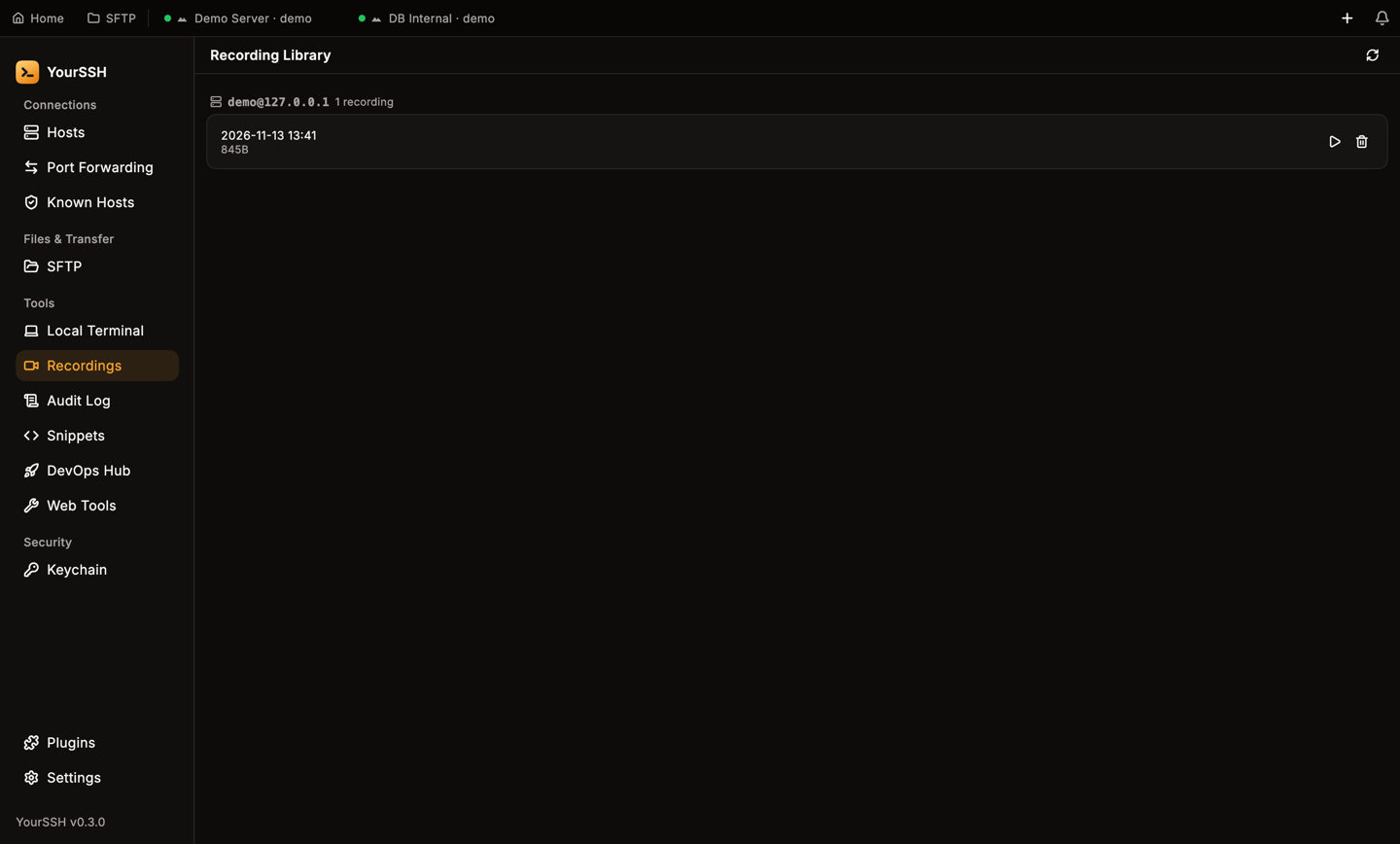
The Recording Library lists recordings grouped by host.
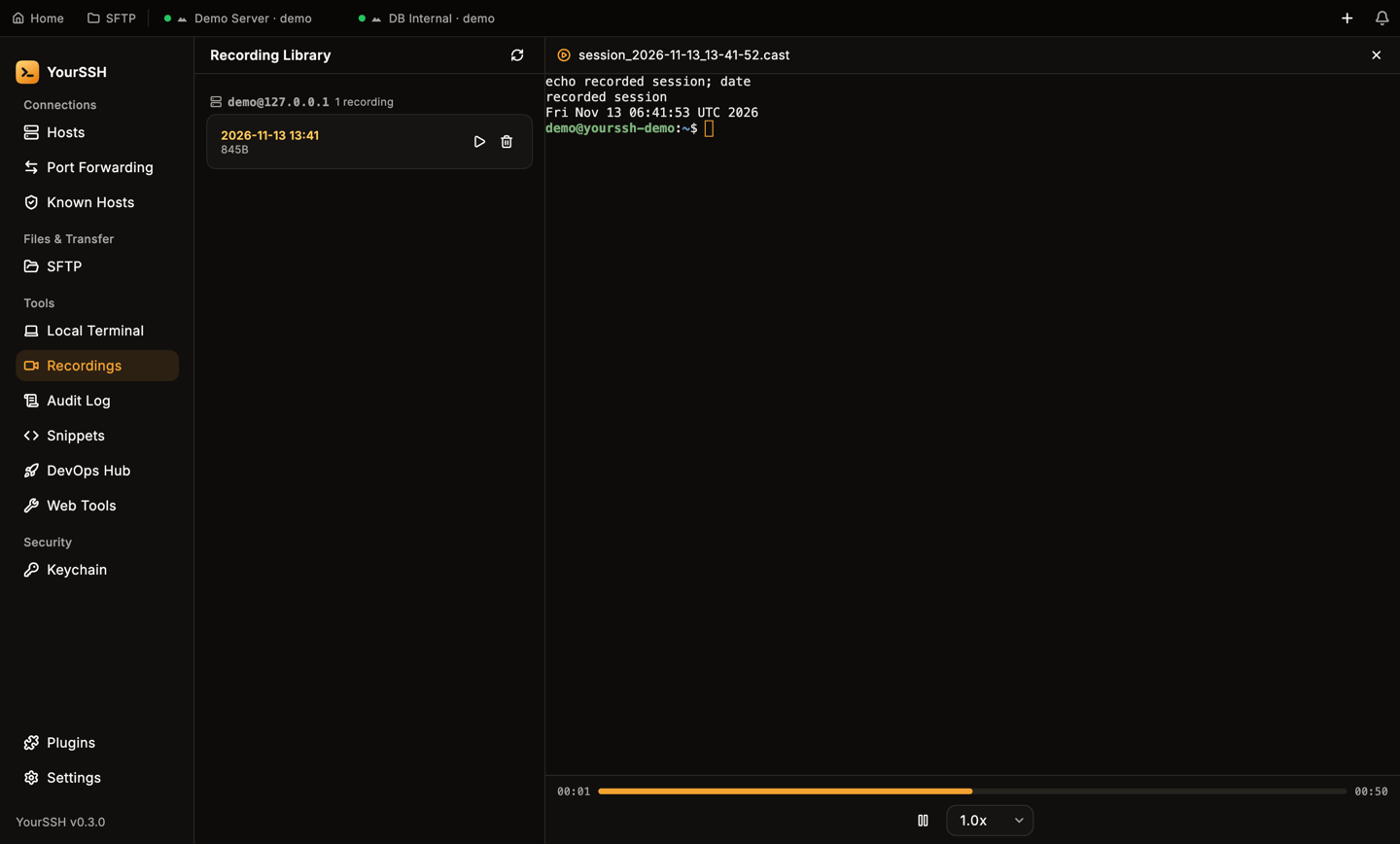
The player replays the session in a terminal view.
Click the trash icon on a recording to delete it. YourSSH asks Delete recording? first, and the file is removed from disk.
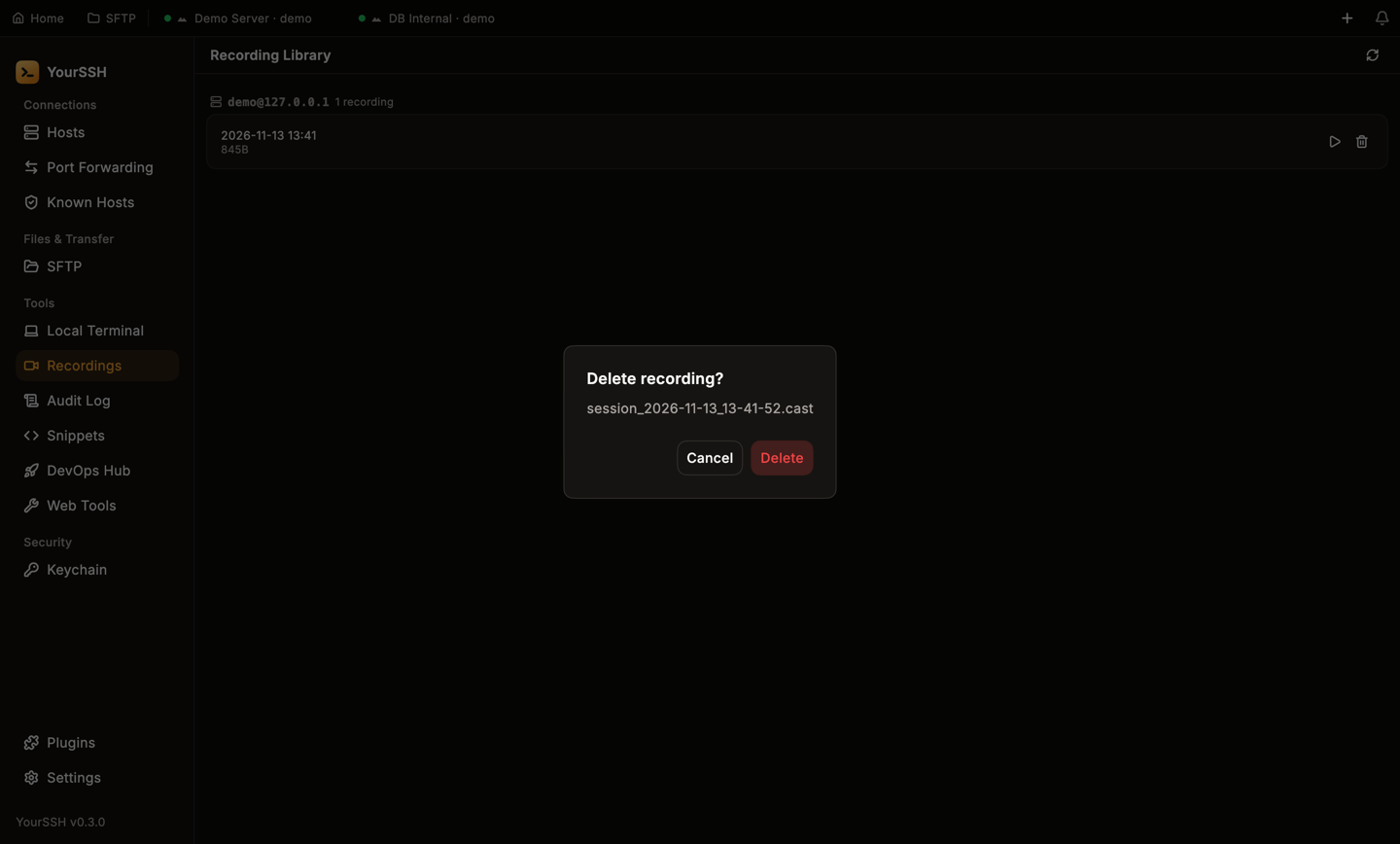
Deleting a recording asks for confirmation.
Where recordings are stored
Recordings go to the folder in Settings → Recording → Recording path. The default isDocuments/YourSSH/Recordings in your home folder. Click Change… to pick another folder.
Each host gets a sub-folder, and each recording is named by its start time. Local terminals use a sub-folder named local.
700 and 600 on macOS and Linux), because a recording can contain sensitive output. Because the files are standard asciicast v2, you can also play them with the asciinema tool.